
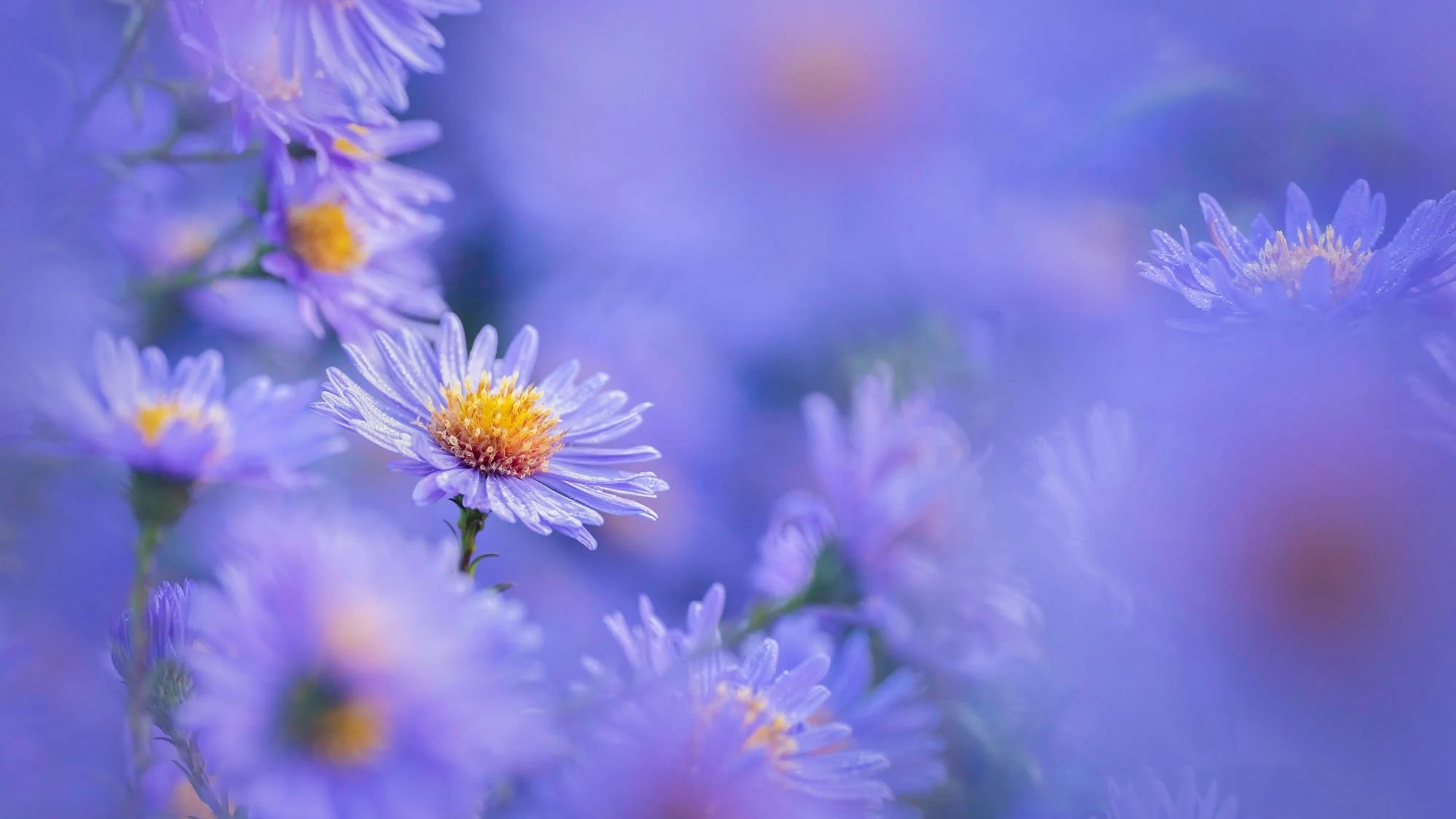
Flower and Plant Photography with Molly Hollman


Course Description
This flower photography course teaches you how to capture professional floral photography images using lighting, composition, colour and macro techniques. Whether you want to improve your creative flower photography or build professional flower photography skills, this course gives you practical guidance from an experienced professional photographer.
Guided by award-winning photographer Molly Hollman, you’ll discover the techniques, tools, and creative insights to transform ordinary blooms into extraordinary photographs.
By the end of this course, you’ll confidently create floral images that look like they belong in galleries and magazines — full of life, detail, and breathtaking beauty. Whether you’re a beginner or an experienced photographer wanting to specialize in flower photography, this course gives you all the tools and inspiration to make your blooms look truly fantastic.
At TSOP, we believe great teaching makes all the difference. Our courses are created by fully qualified photography educators with over 20 years of experience. You’ll enjoy a clear, no-fluff learning journey that turns complex techniques into simple, inspiring steps anyone can master.
Master the art of flower photography and see flowers — and your photography — in a whole new way.
GET THIS COURSE
MONTHLY MEMBERSHIP
£16/$22
/month
✔️Unlimited access to all courses, including this course.
✔️1000s of videos, worksheets, lighting set-ups, Presets, RAW files and more.
✔️Live webinars with industry pros.
✔️Join our community of like-minded learners.
✔️Monthly Assignments and Competitions.
✔️Exclusive discounts on photography brands and services.
✔️Critiques of student’s Work.
✔️30 Day Money Back Guarantee.
✔️Unsubscribe anytime.
➕ much more - check out full membership here.
SAVE 40%
YEARLY MEMBERSHIP
£115/$155
/year
✔️Unlimited access to all courses, including this course.
✔️1000s of videos, worksheets, lighting set-ups, Presets, RAW files and more.
✔️Live webinars with industry pros.
✔️Join our community of like-minded learners.
✔️Monthly Assignments and Competitions.
✔️Exclusive discounts on photography brands and services.
✔️Critiques of student’s Work.
✔️30 Day Money Back Guarantee.
✔️Unsubscribe anytime.
➕ much more - check out full membership here.
✔️Only £9.50/$13 per month - Billed Annually.
TO BUY OUR MEMBERSHIP AS A GIFT, CLICK HERE
Full 30-day money back guarantee
We offer a no-risk solution here at The School of Photography - If you don’t learn anything, we will give you your money back! We offer this because we don’t show, we teach! And we’ve been teaching photography, with 5-star reviews, since 2002.
All of this experience goes into creating our courses. We know that our courses will make you excellent photographers just like they have done for 1000’s of others. Terms apply.
What You’ll Learn in This Flower Photography Course
Master the Art of Light – Harness natural and studio lighting to give your flower photography a soft, glowing radiance or dramatic, gallery-style depth.
Compose Like an Artist – Learn framing techniques and creative angles to make every bloom stand out.
Create Dreamy Depth – Achieve perfect focus on intricate details while softly blurring backgrounds for that magical, professional touch.
Capture Tiny Worlds – Unlock the secrets of macro photography to reveal breathtaking textures, patterns, and water droplets.
Edit Like a Pro – Transform your photos in Lightroom and Photoshop with easy-to-follow steps to enhance colours and details beautifully.
Craft Timeless Still Life Images – Style and photograph creative and elegant floral compositions in a controlled setup.
Turn Passion into Income – Learn how to sell your prints, work with brands, and build a portfolio that gets noticed.
✭✭✭✭✭
“An incredible course and community; I can’t sing The School of Photography’s praises enough. When I joined, I knew nothing about photography and now, my life is changing as I’m starting to get paid work as a photographer. I’ve just finished photographing the Rik Mayall Comedy Festival, thanks to The School of Photography’s teachings I was able to photograph some very famous faces. Not only is the course content fantastic but the community are so supportive, everyone wants you to succeed”
Jimmy Hill - UK
Course Content
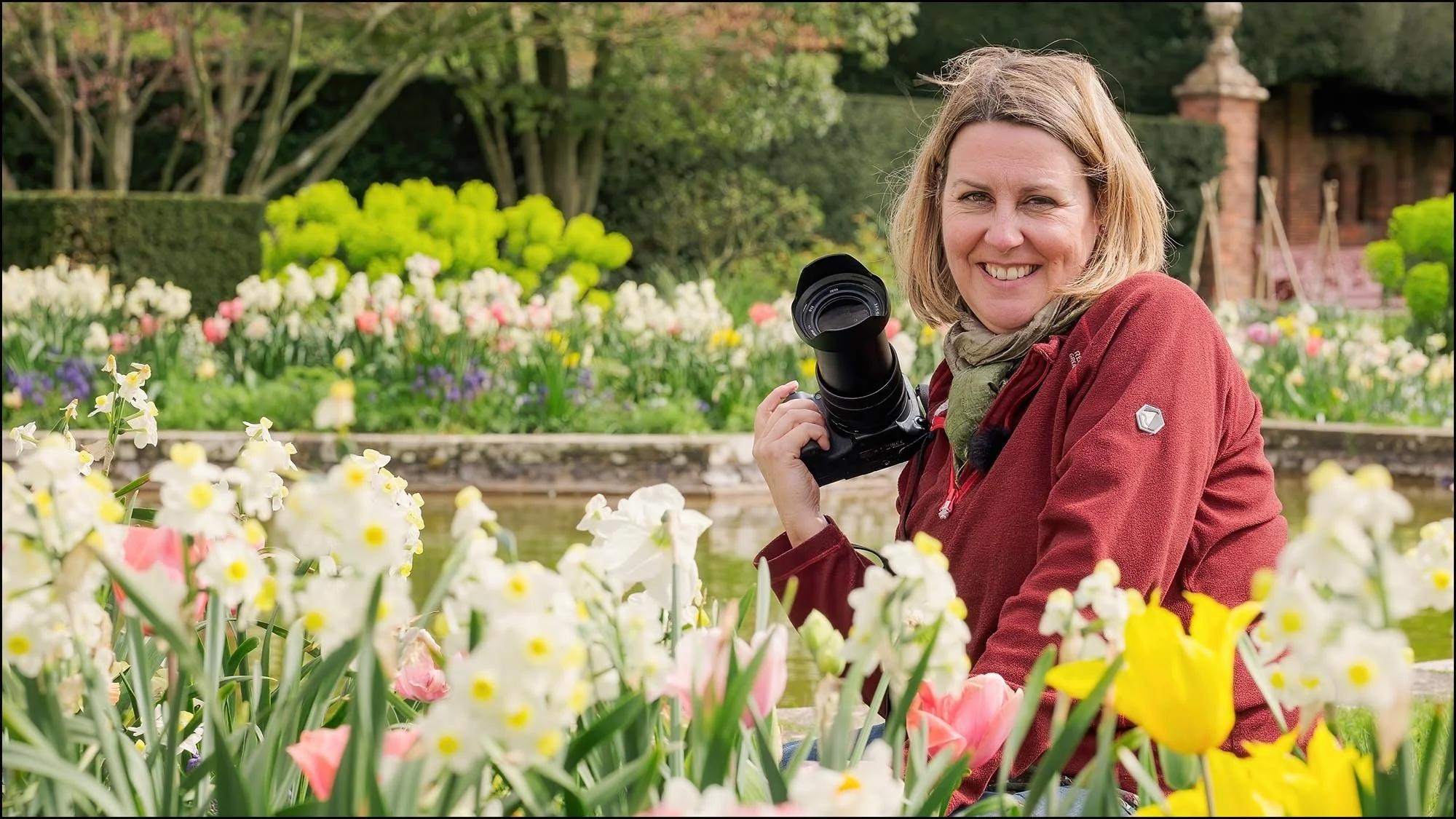
Lesson 1
Intro to Course and Molly Holman
An introduction to Molly, her photography and how the course works. Here Molly shares her photography journey into the world of professional flower photography and her passion for capturing beautiful images of nature.
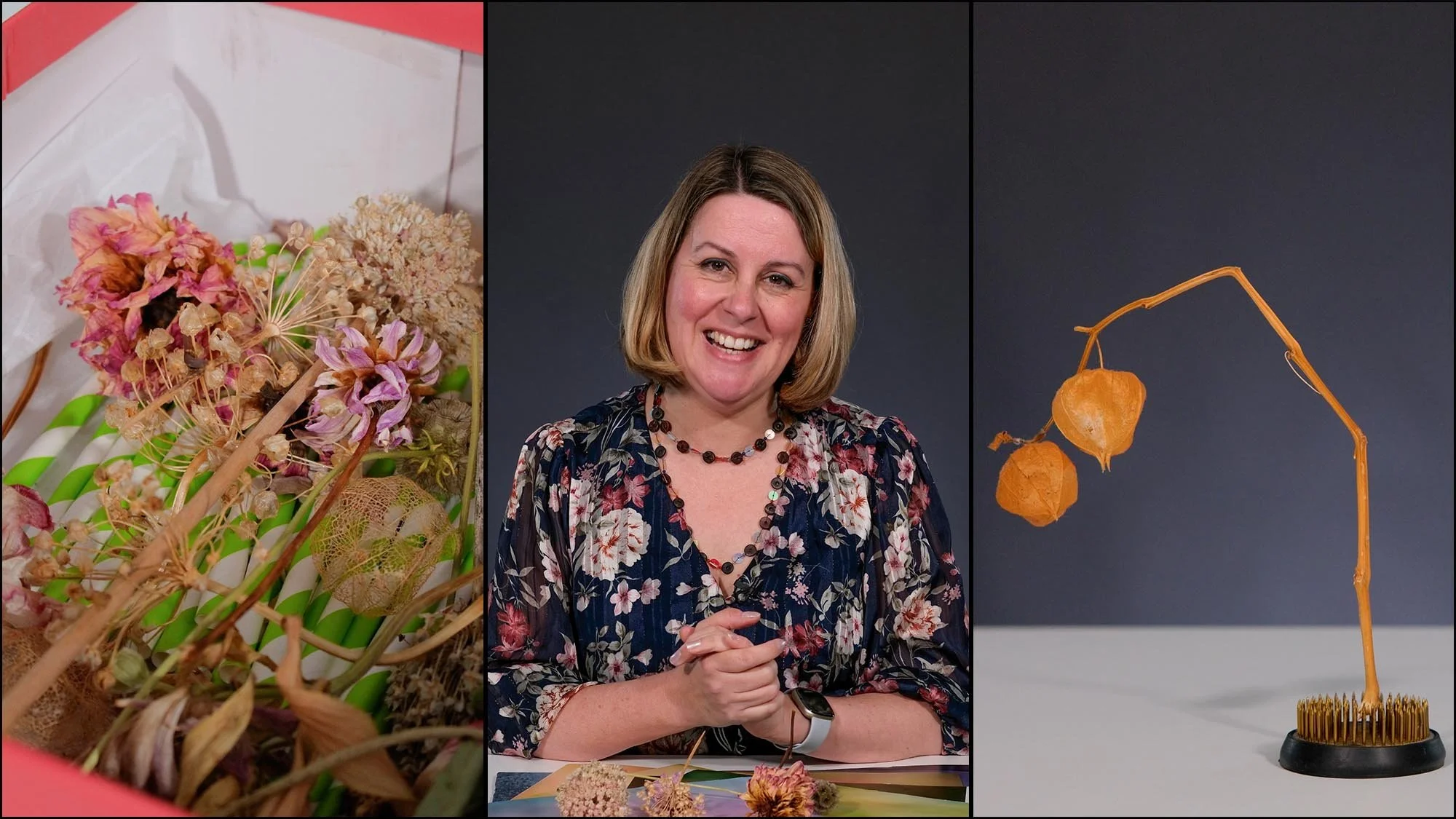
Lesson 2
Equipment
Discover the tools that can transform your flower photos from ordinary to breathtaking. This lesson shows you the cameras, lenses, and clever accessories that make every petal and detail shine.
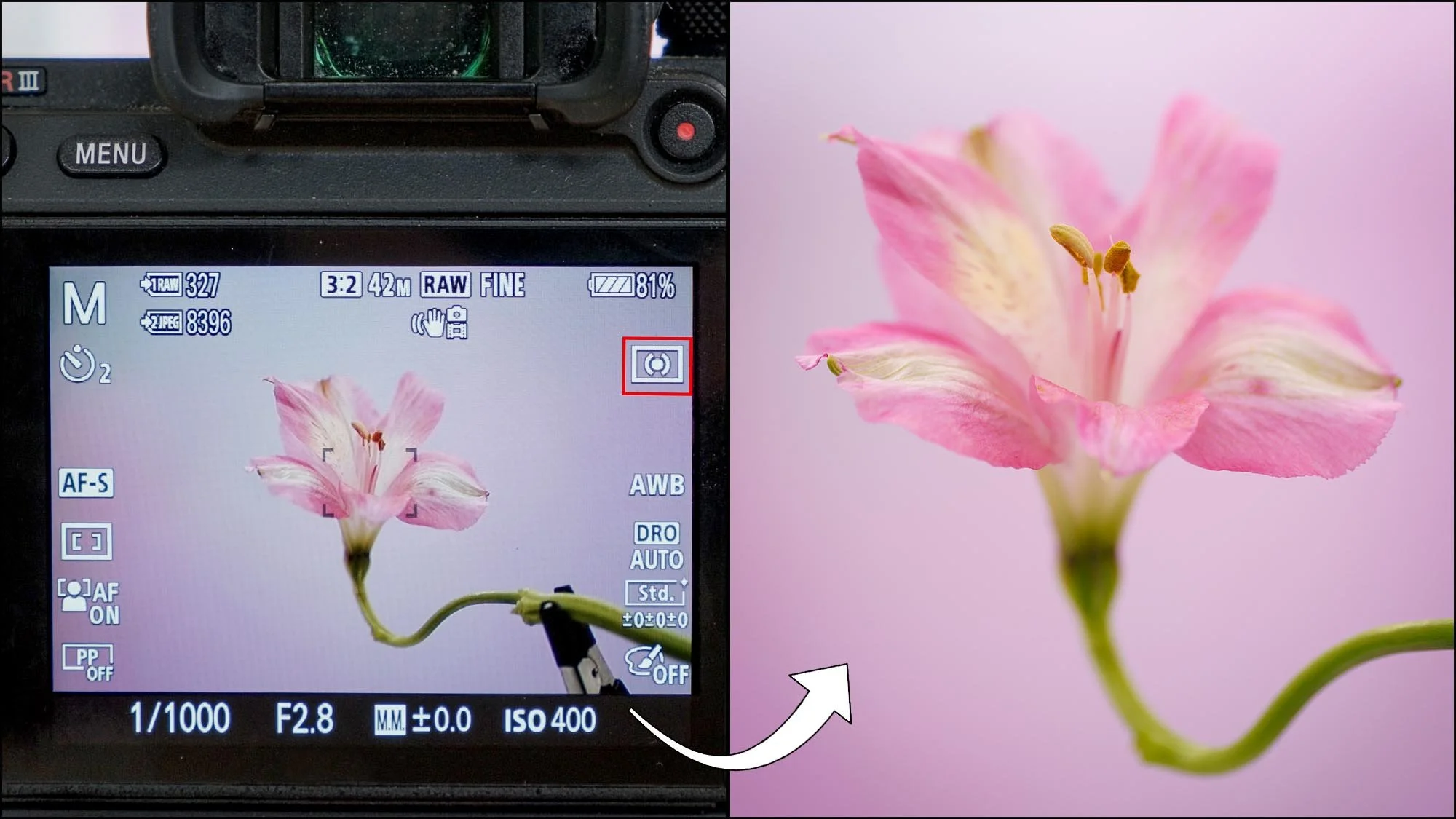
Lesson 3
Camera Settings
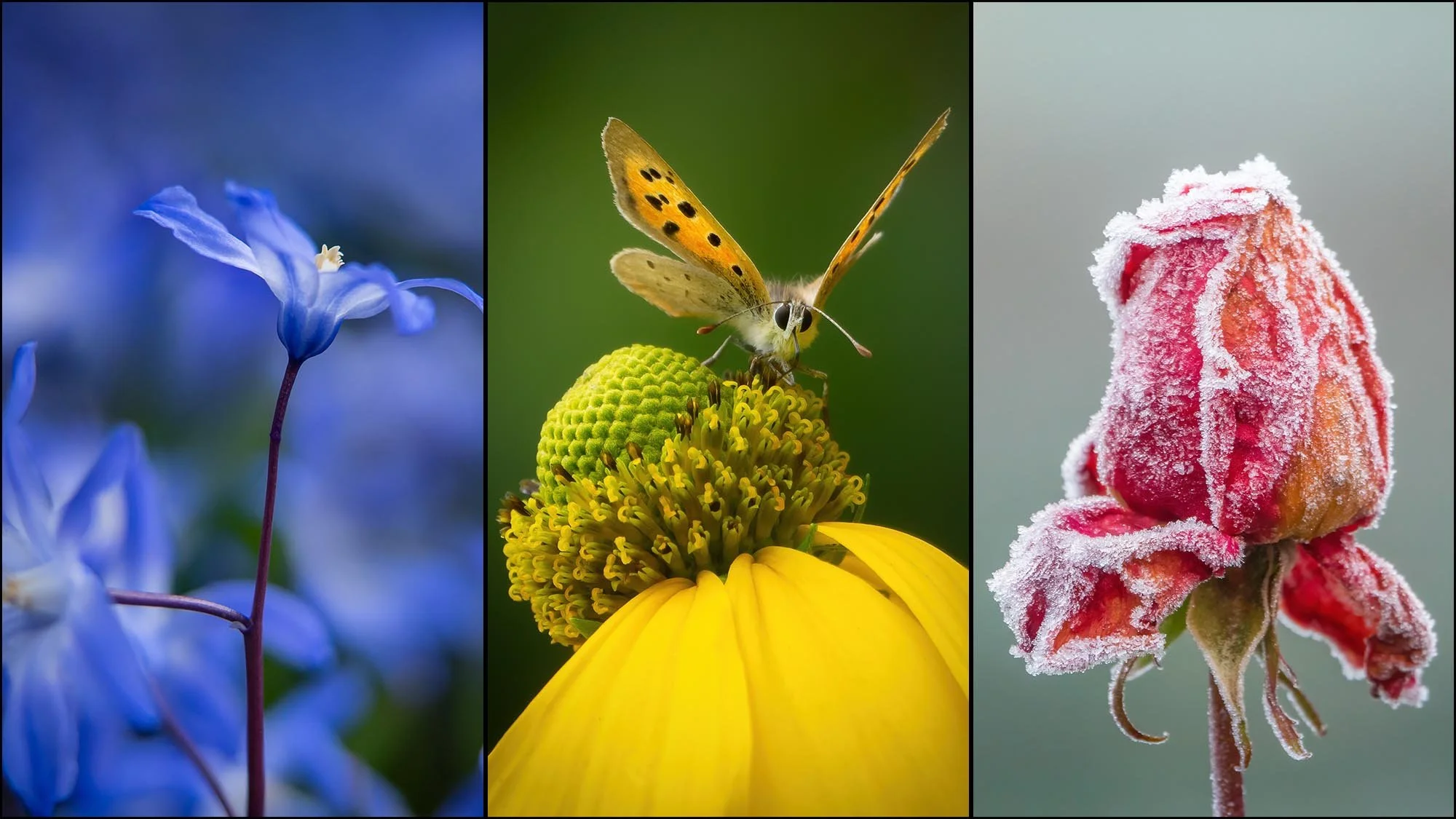
In this lesson, you’ll learn how to set aperture, shutter speed, and ISO for different lighting conditions, whether you’re shooting indoors or outdoors. Molly walks you through how to achieve tack-sharp focus on delicate petals, control depth of field for dreamy backgrounds, and expose correctly to capture vibrant colours and fine details.
Lesson 4
Techniques
Uncover the essential techniques that make flower photography truly captivating — from controlling depth of field and using backgrounds to creative tricks that make every bloom look extraordinary. This lesson gives you the techniques to bring your floral vision to life.

Lesson 5
Planning for Flower and Plant Photography
Great flower photography does not happen by chance — they’re crafted with intention. In this lesson, discover how to plan your shoots around light, seasons, and locations to capture flowers and plants at their most stunning.
Lesson 6
Indoor Flower Photography - Using Light Box
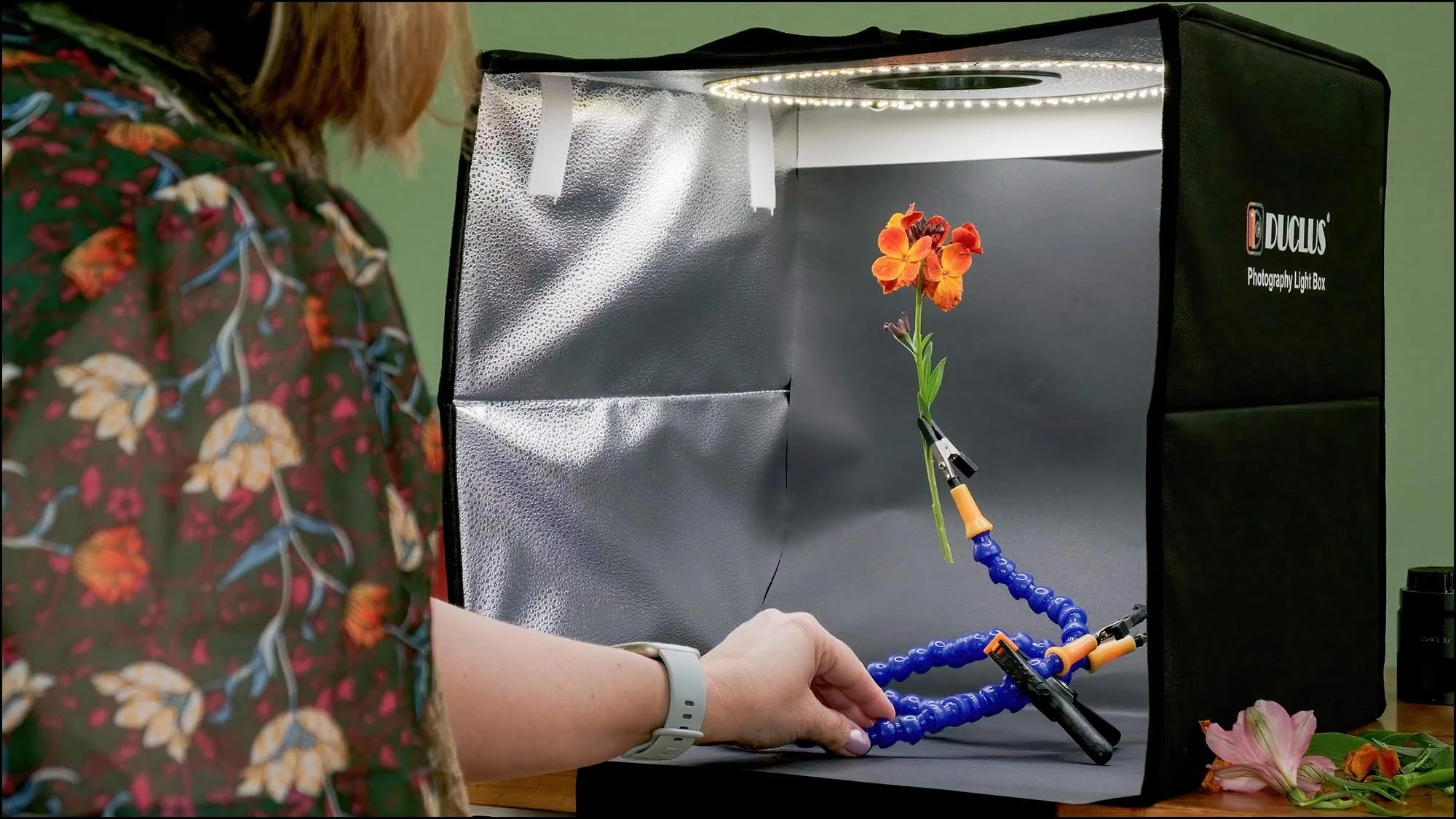
It’s time to pick up your camera! In this lesson, you’ll dive into indoor flower photography and learn how to use a light box to create glowing, professional-quality images in a simple, controlled setup.
Lesson 7
Edit Indoor Flower Photography
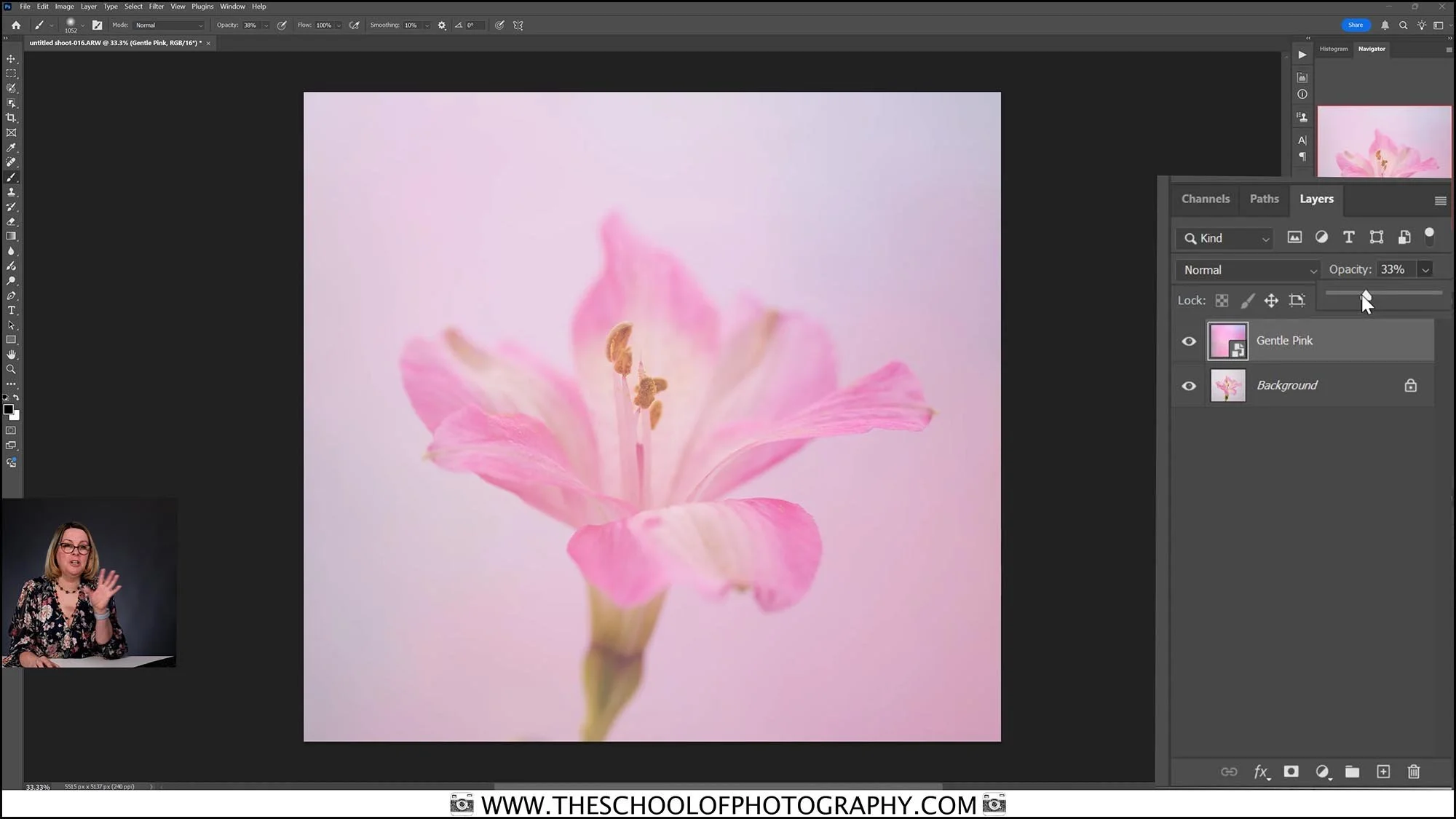
Now that you’ve captured your indoor flower shots, it’s time to bring them to life on screen. Using the raw files provided, this lesson walks you through editing in Lightroom and Photoshop to enhance colour, detail, and mood — turning good photos into stunning art.
Lesson 8
Still life Flower Photography
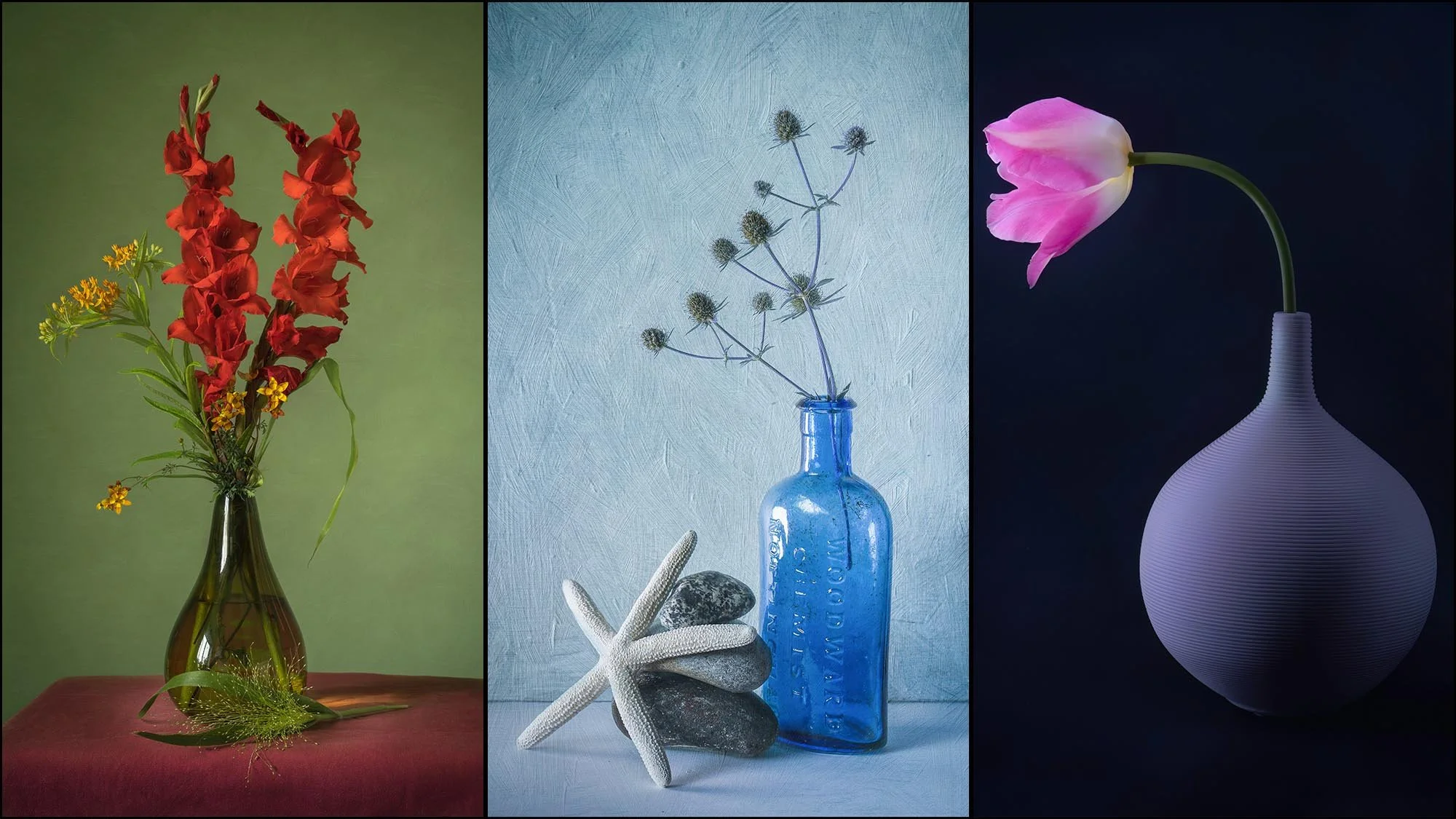
Here we continue to be creative in a controlled indoor setting as you learn to style and shoot elegant still life flower compositions. This lesson guides you to craft fine art floral photography timeless images where every petal, shadow, and detail tells a story.
Lesson 9
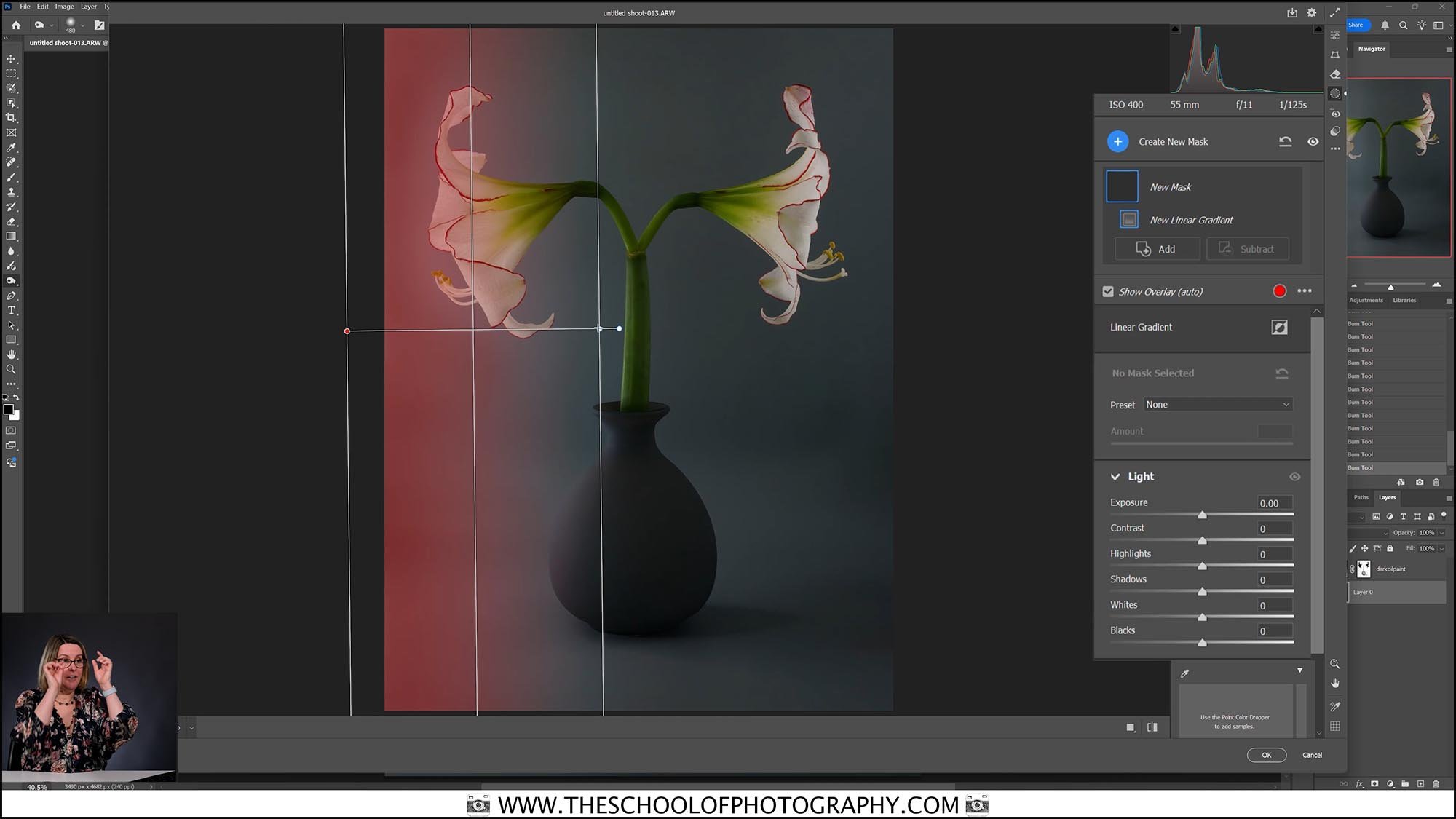
Edit Still life Flower Photography
Bring your still life flower images to their full potential by mastering editing techniques in Lightroom and Photoshop. This lesson helps you use texture overlays, refine tones, colours, and create polished, gallery-worthy photos. As always with TSOP you are provided with the Raw files and texture overlays.
Lesson 10
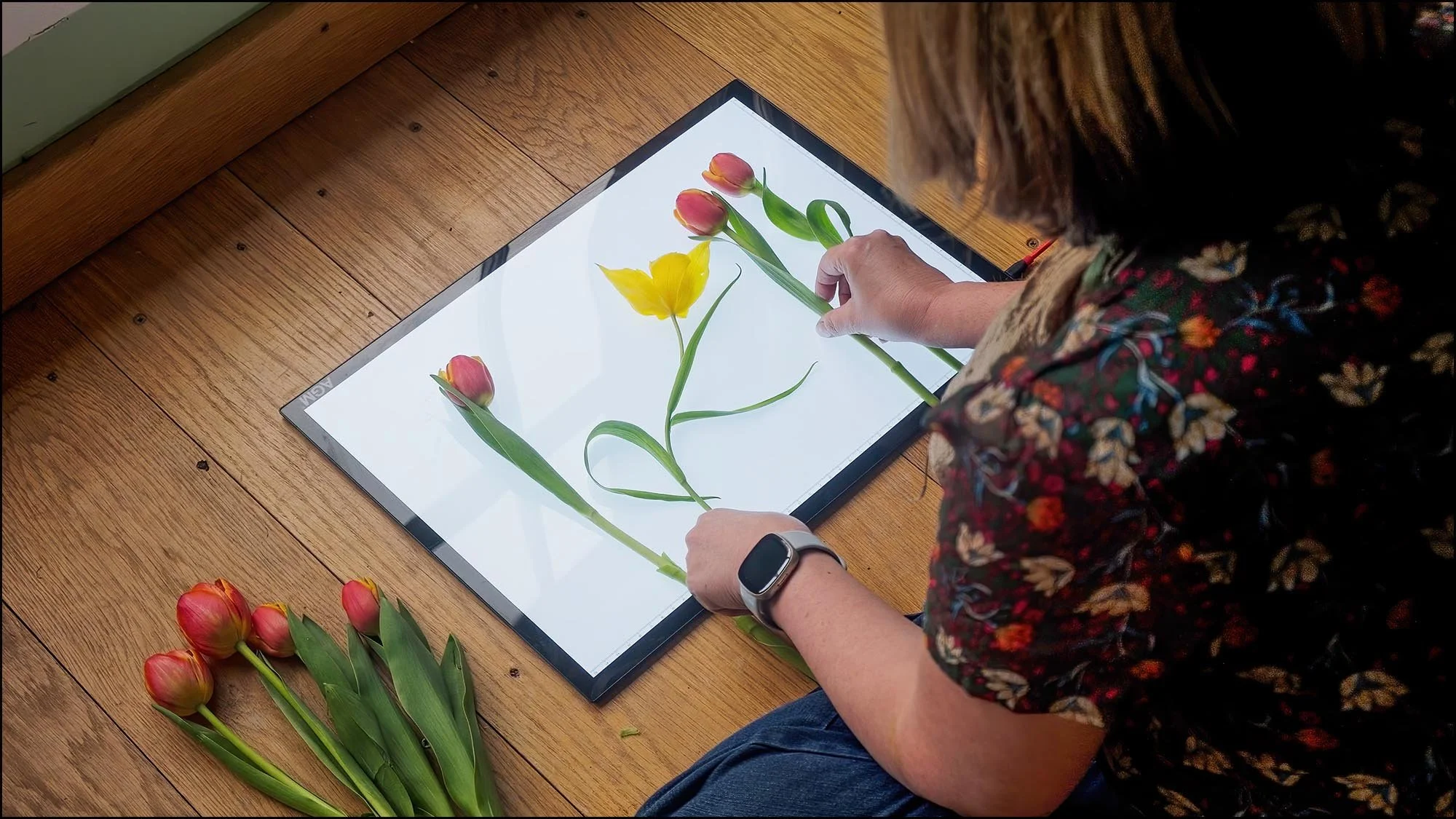
Flat lay Photography
Step outside and gather blooms from your garden to design stunning flat lay compositions. This lesson shows you how to style, light, and photograph floral flat lays that are perfect for prints or social media.
Lesson 11
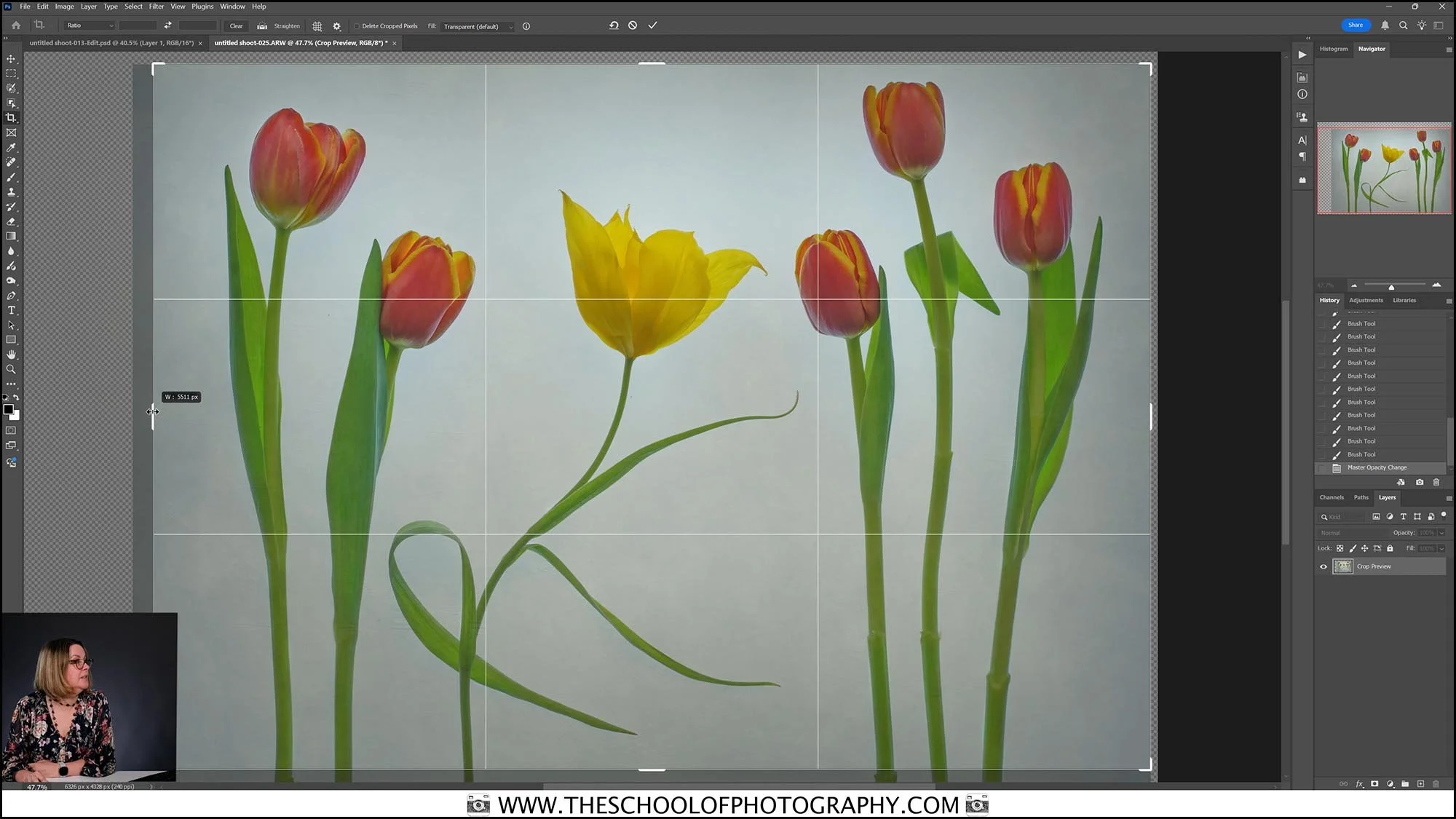
Edit Flat Lay Photography
Take your flat lay images to the next level by adding texture overlays and enhancing details in Lightroom and Photoshop. In this lesson, you’ll work step-by-step with the provided RAW files and texture overlays to create beautifully refined, artistic edits.
Lesson 12
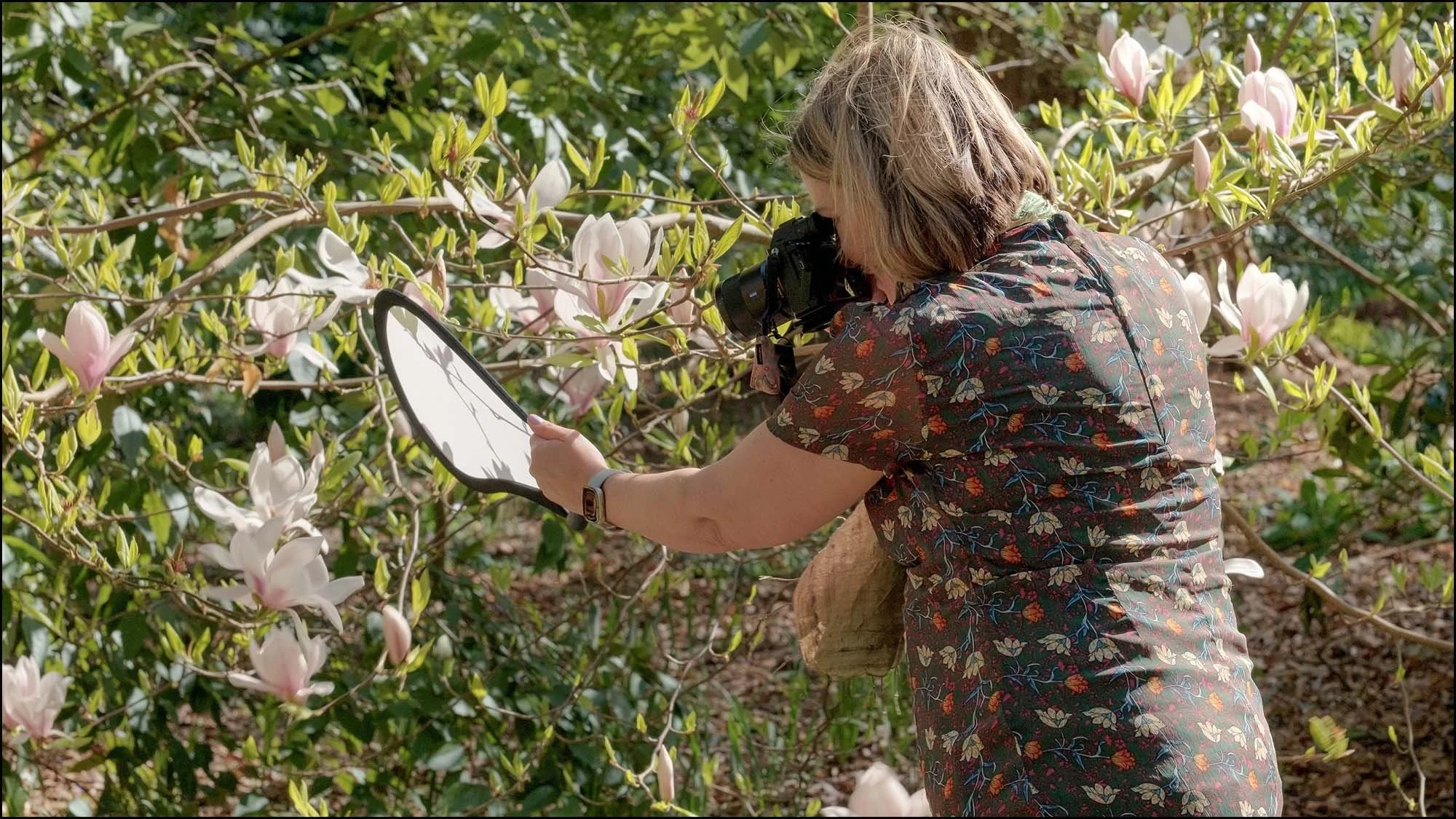
Outdoor shoot 1 – Magnolia
Here we step into a sunlit garden for your first outdoor shoot and explore the beauty of a blooming magnolia tree. In this lesson, you’ll get creative with composition and techniques to overcome harsh light and capture soft, natural images.

Lesson 13
Edit Outdoor shoot 1 – Magnolia
Bring these magnolia images to life as we edit them together step by step in Lightroom, using the provided RAW files to work along. You’ll learn how to refine tones, balance light, and enhance details to create vibrant, professional-quality outdoor photos.

Lesson 14
Outdoor shoot 2 - Flowers on clamps
Get hands-on and creative as you use clamps to artfully position flowers in the garden. This lesson invites you to experiment with light and backgrounds, turning your outdoor floral setup into a fun, artistic playground.
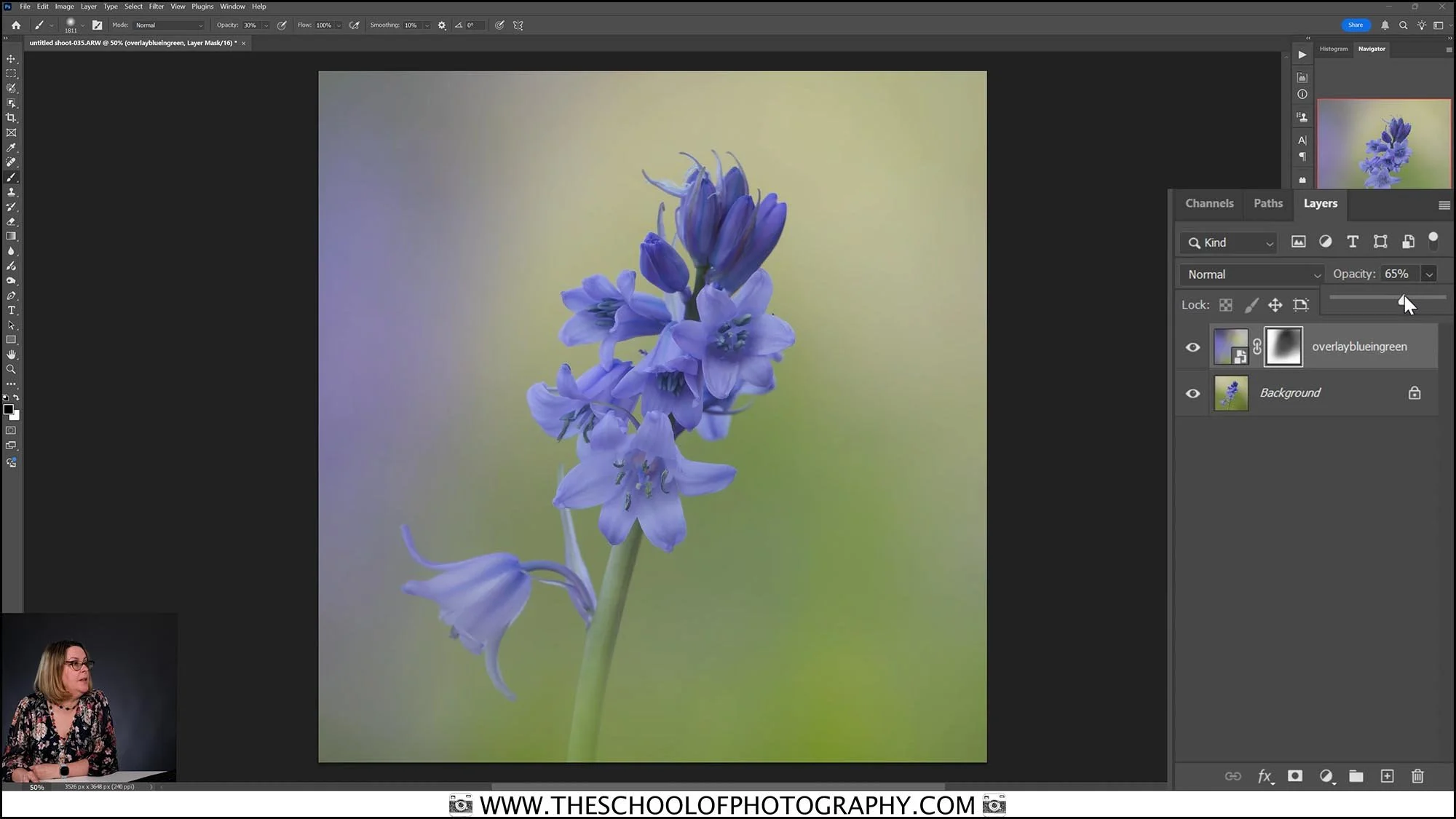
Lesson 15
Edit Outdoor shoot 2 - Flowers on clamps
Here we bring these garden creations to life by diving into Lightroom and Photoshop to edit your floral images. With the provided RAW files, you’ll follow along step by step to enhance colours, play with light, and add the finishing touches that will make your photos pop.
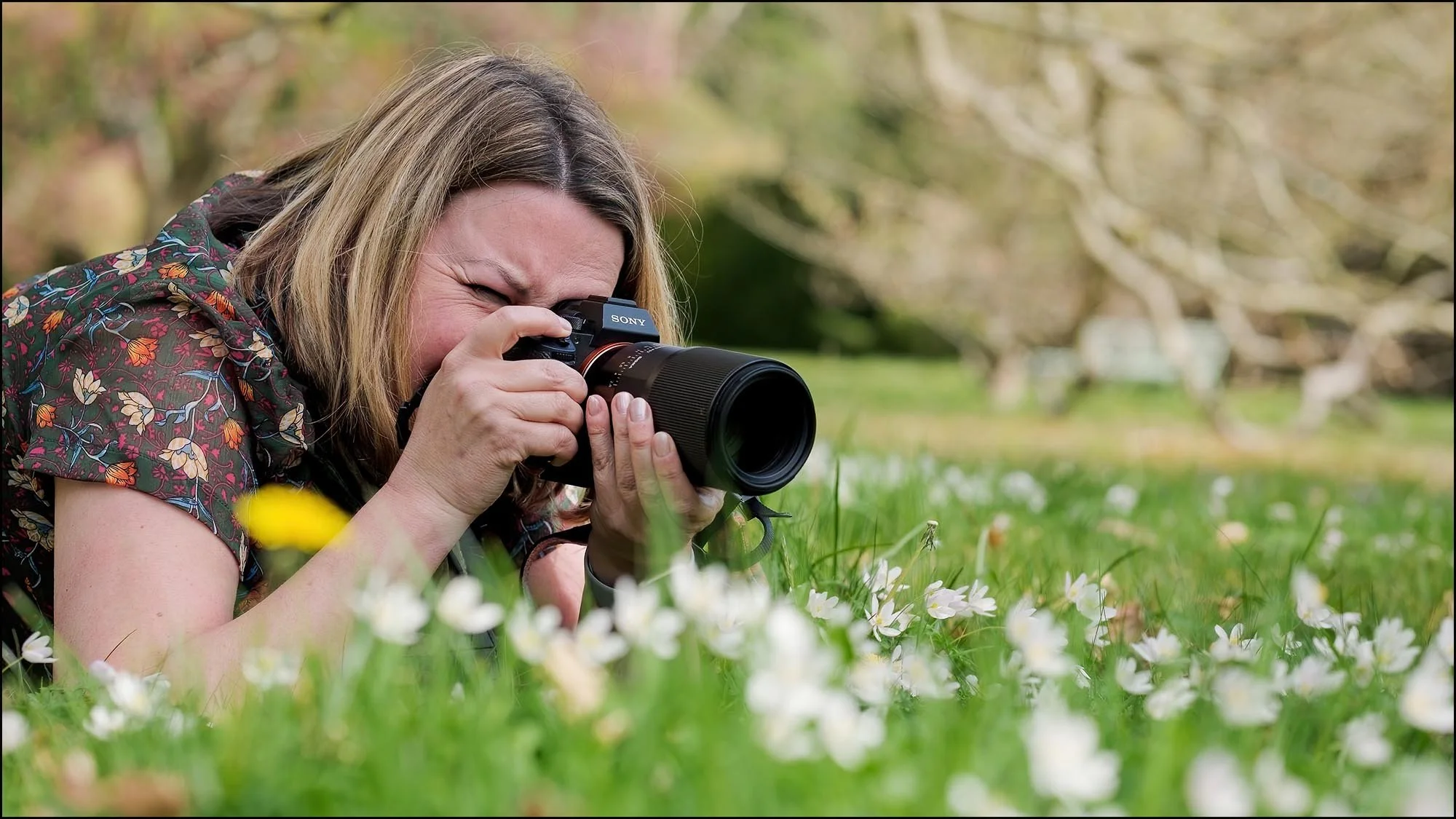
Lesson 16
Outdoor shoot 3 - Wood Anemone
Here we venture into the woodland and get low to the forest floor to capture the delicate beauty of wood anemones. In this lesson, you’ll master macro photography techniques, creative lighting, composition, and precise focusing to create intimate, breathtaking close-ups.
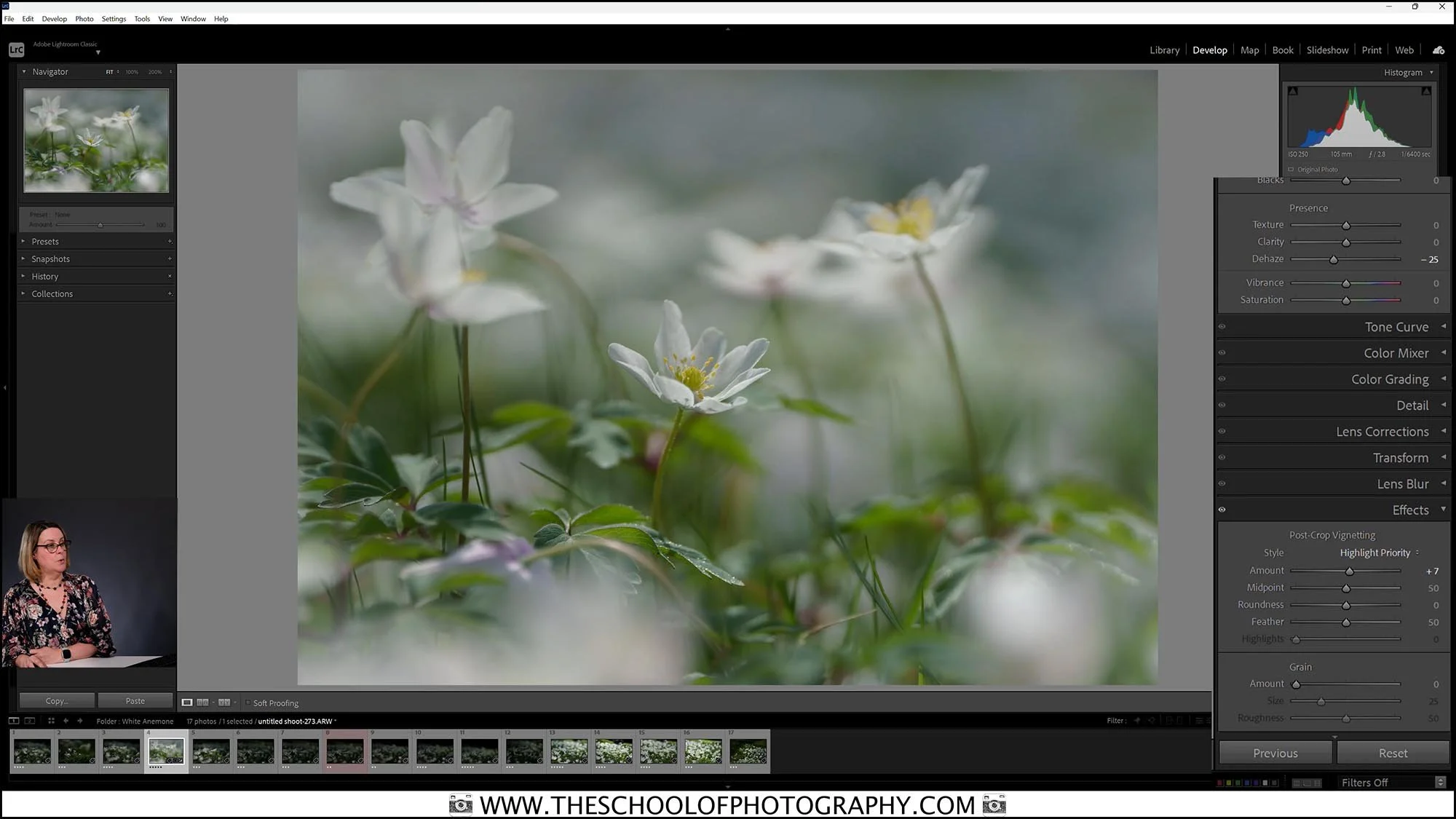
Lesson 17
Edit Outdoor shoot 3 - Wood Anemone
Back at the computer, we’ll bring out the delicate beauty of these flowers. Follow along with the provided RAW files as you learn how to enhance tones, colour, refine details, and give your macro shots a soft, natural glow.
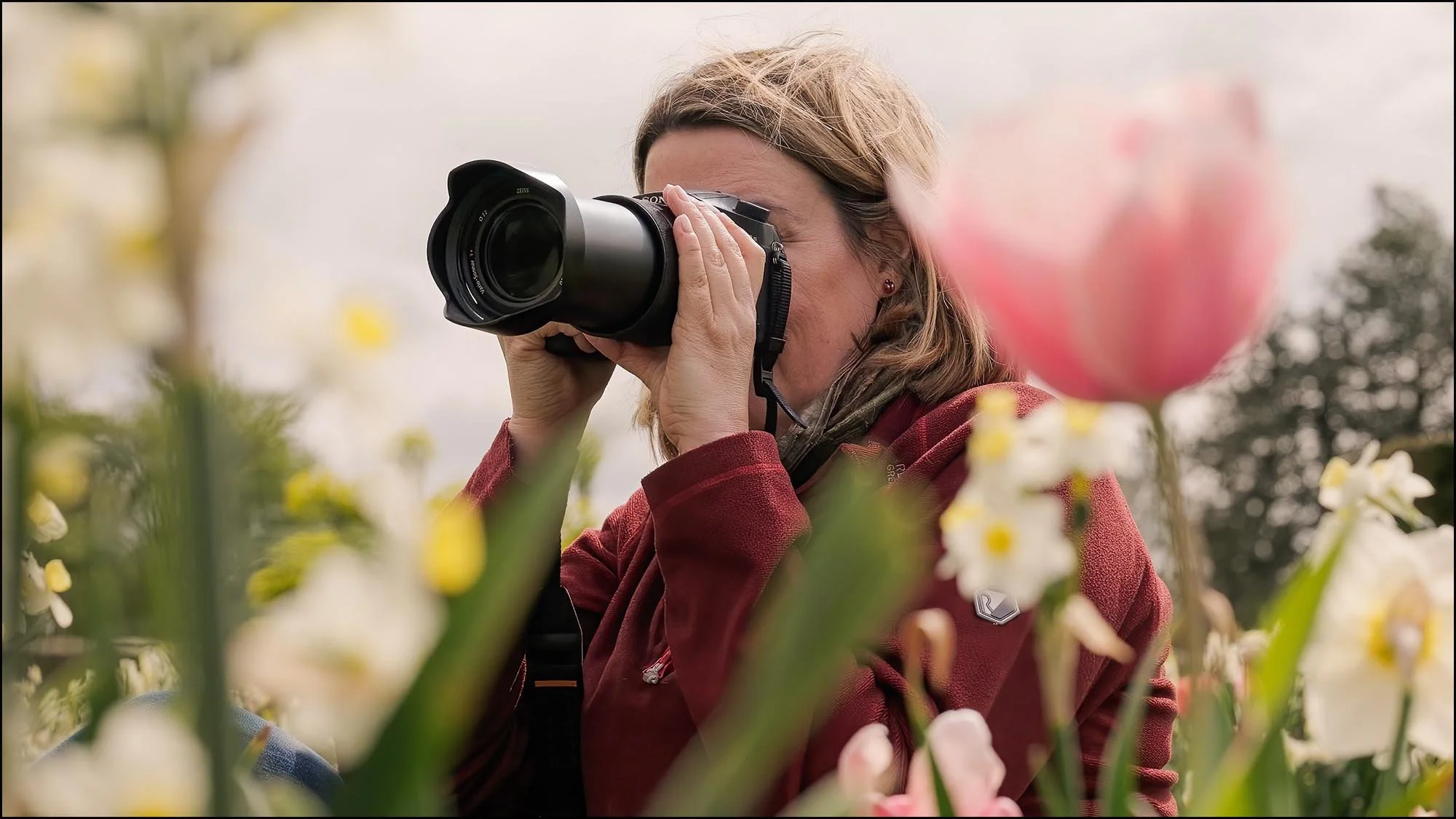
Lesson 18
Outdoor shoot 4 – Tulip
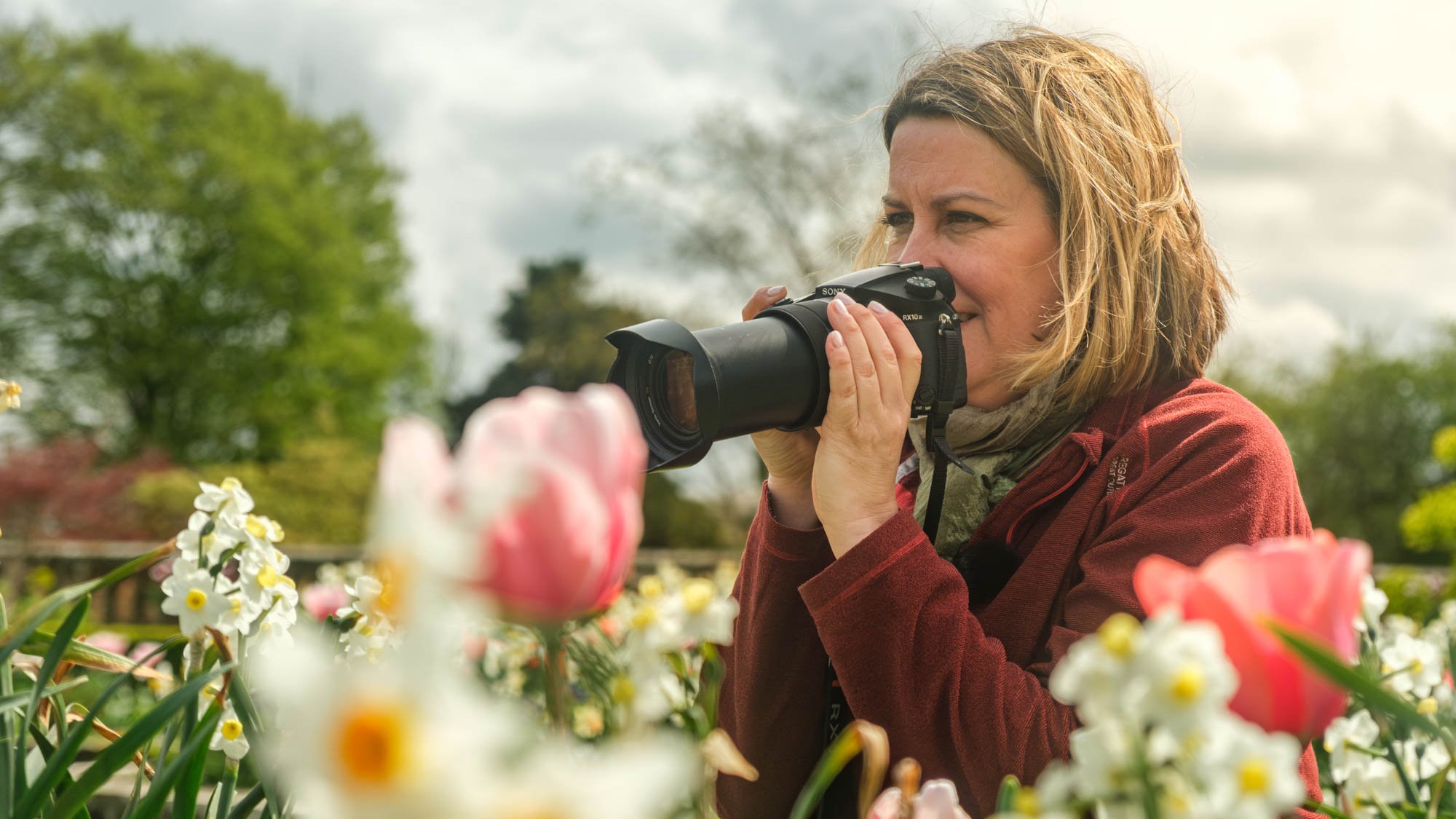
Wander with us into a vibrant garden filled with tulips and learn how to compose dreamy “shoot-through” images using a telephoto lens. In this lesson, you’ll discover how to frame distant blooms through layers of colour and create striking, atmospheric flower portraits.
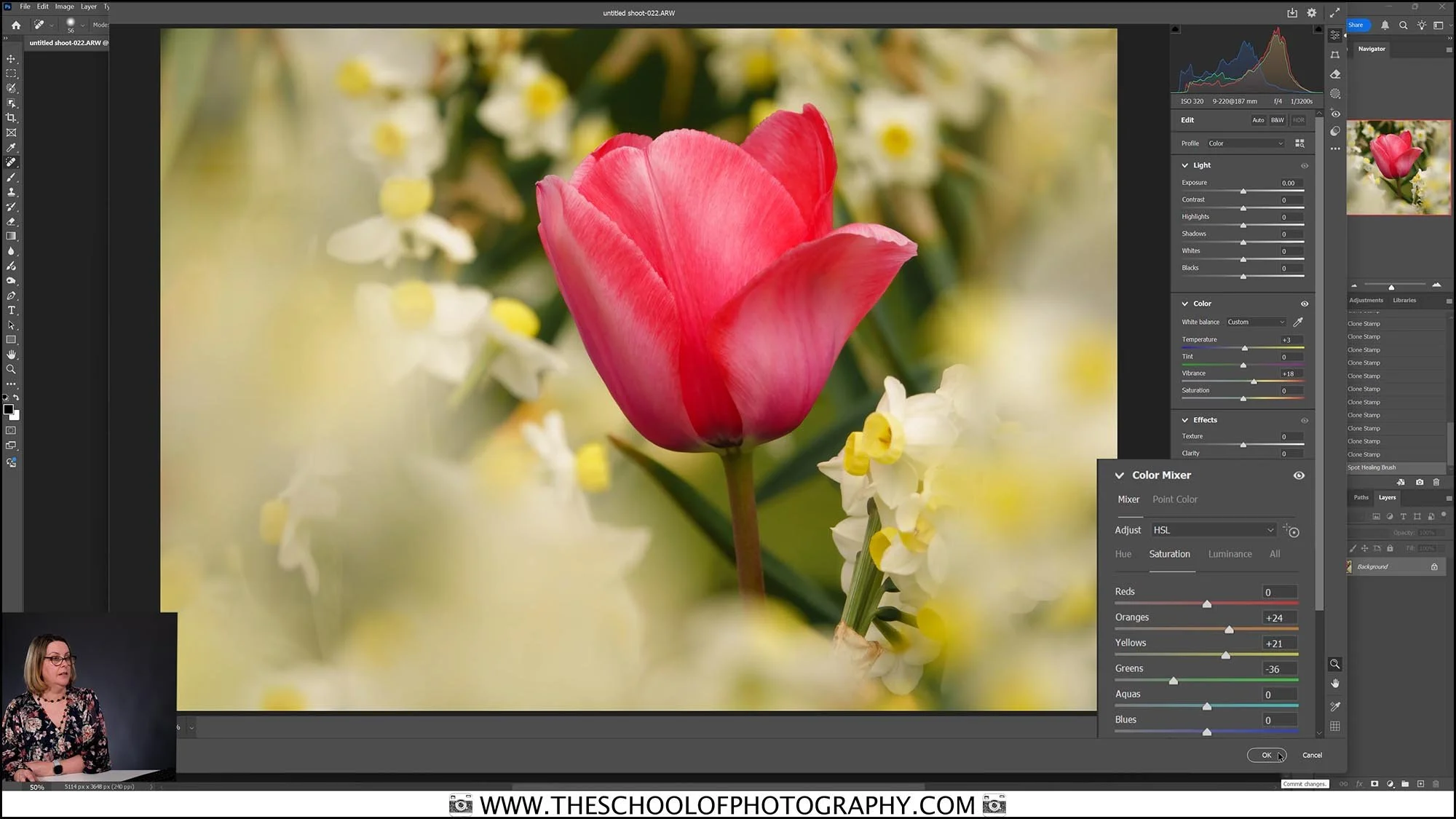
Lesson 19
Edit Outdoor shoot 4 – Tulip
Bring your tulip images to life as we edit them in this step-by-step guide. Using the provided RAW files, you’ll follow along to enhance colours, soften layers, and create the dreamy, painterly look of a perfect shoot-through composition.

Lesson 20
Outdoor shoot 5 - Forget me nots
We then explore the vibrant garden borders and get up close with delicate forget-me-nots using a macro lens. In this lesson, you’ll master the art of shooting in challenging conditions — learning how to control focussing, shutter speed, depth of field, and ISO to capture sharp, stunning images even on a breezy day.

Lesson 21
Edit Outdoor shoot 5 - Forget me nots
Back in the studio, we’ll bring out the delicate beauty of your forget-me-not images. Using the provided RAW files, follow along as we perfect your macro shots with subtle, thoughtful edits in Lightroom and Photoshop.

Lesson 22
The Business of Flower Photography
Turn your passion for flower photography into a thriving creative career. In this lesson, you’ll explore how to monetize your skills through selling prints, licensing images, working with brands, and offering photography services that showcase the beauty of blooms.

Lesson 23
Recap
Let’s take a moment to revisit all the key techniques, creative insights, and skills you’ve gained throughout the course. This recap ties everything together to inspire your next beautiful flower photography adventures.
Who This Course is Perfect For:
Nature lovers who want to capture the beauty of flowers in stunning, shareable images.
Beginners looking for a step-by-step guide to professional-quality flower photography.
Hobbyists ready to master macro and close-up techniques for dreamy detail.
Photographers seeking to expand their portfolio and explore a poetic, creative genre.
Creatives who want to turn their passion for flowers into income through prints, licensing, or client work.
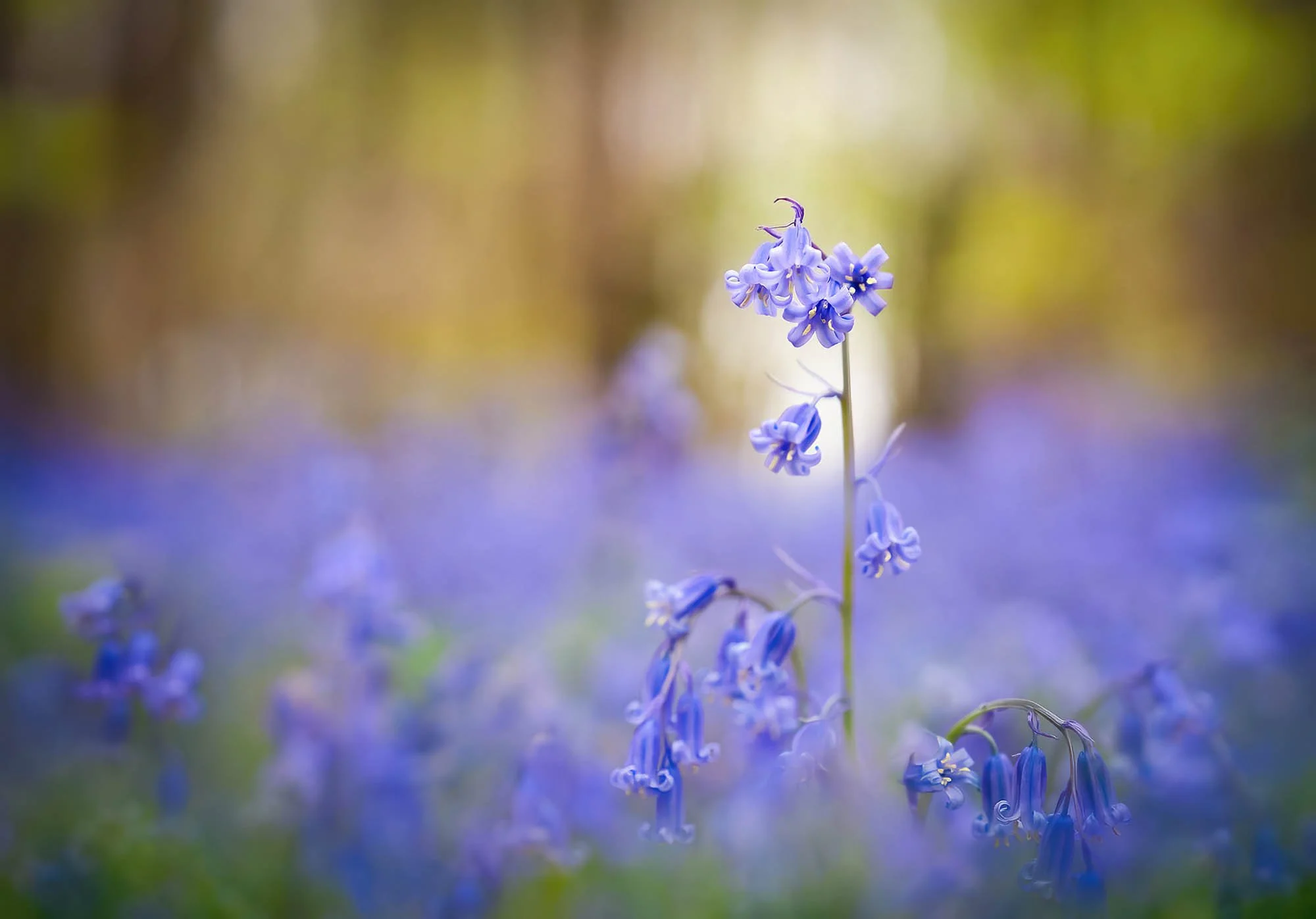
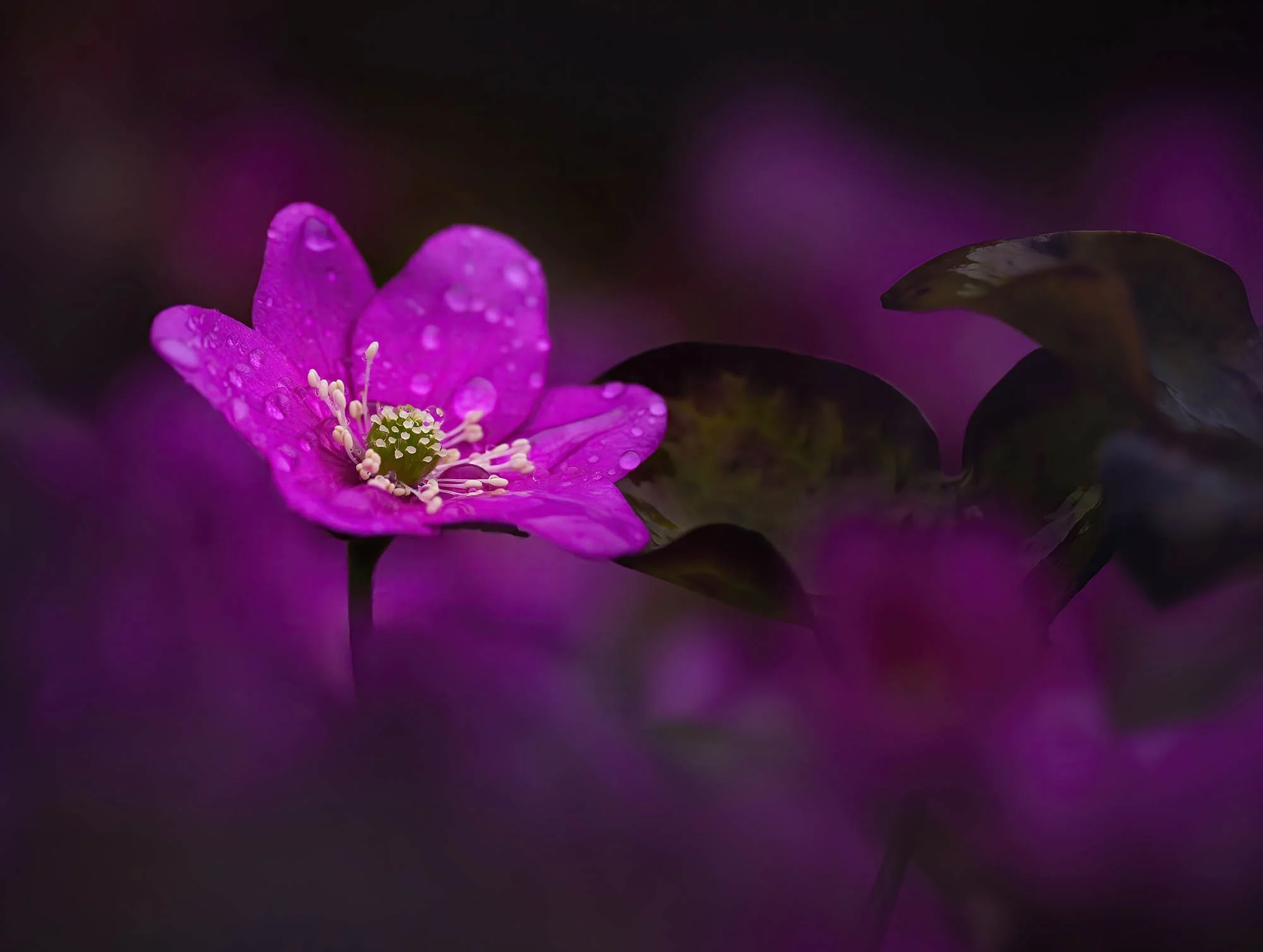
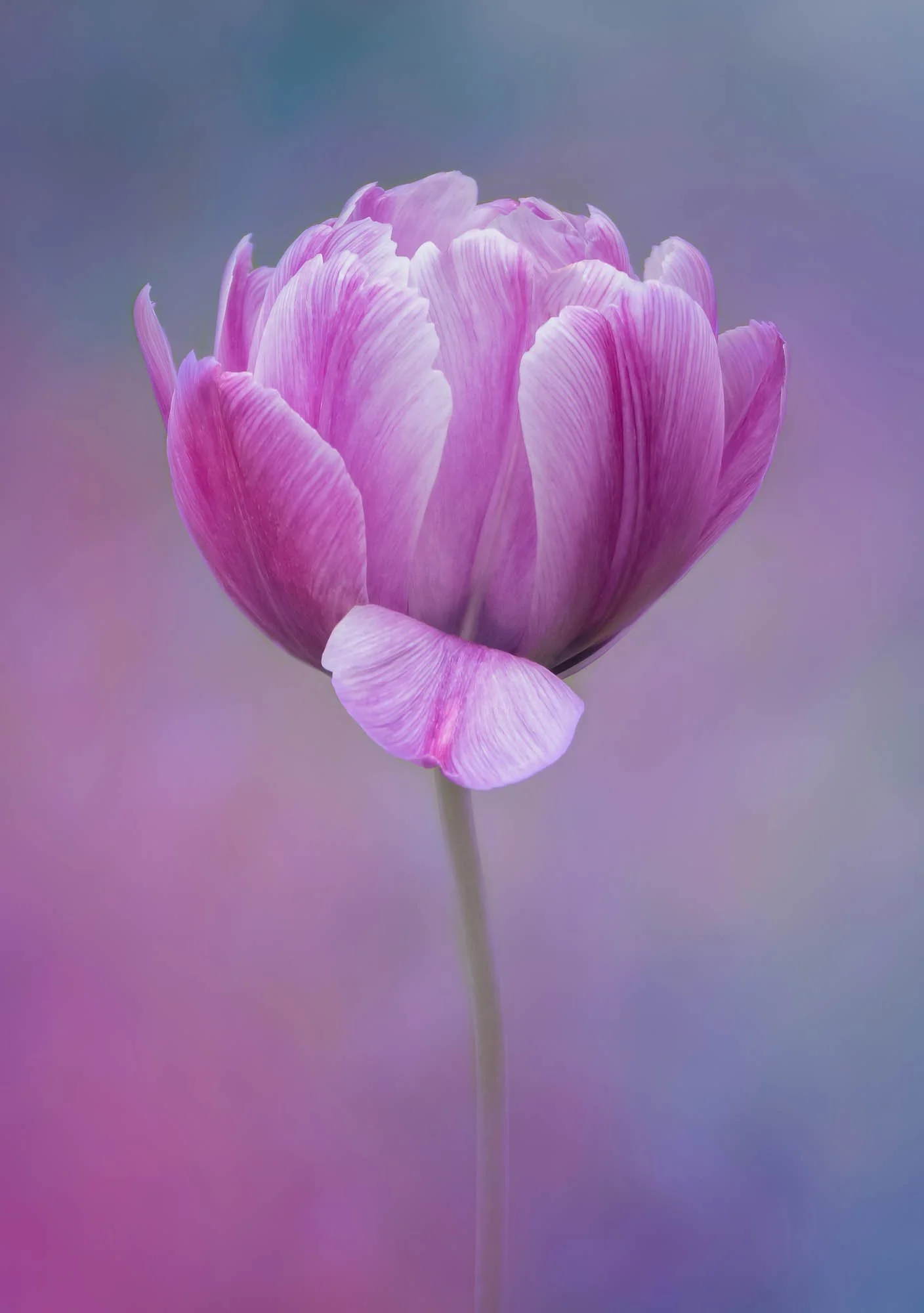
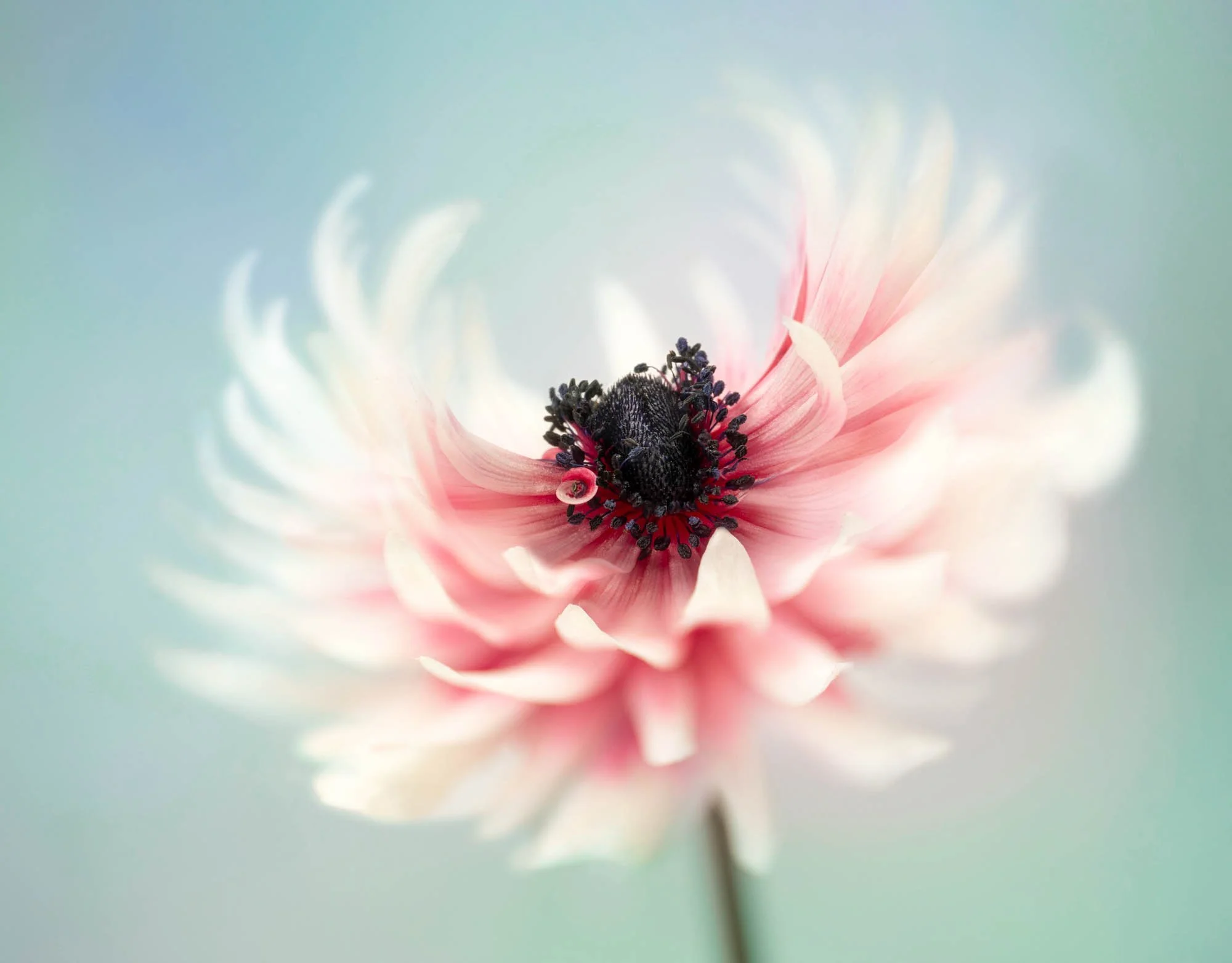
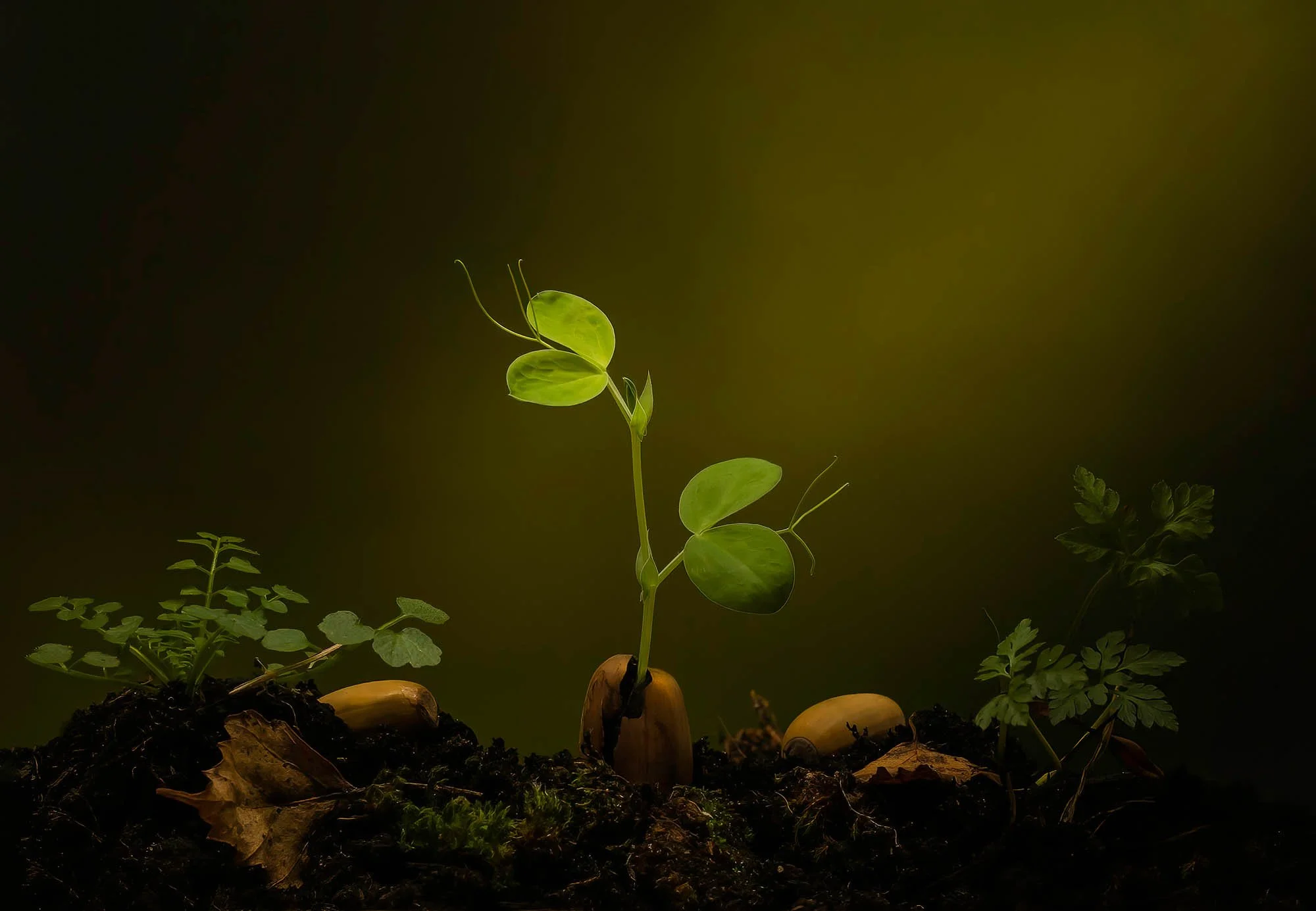
A Selection of Molly’s Work









About your Tutor
Molly Hollman is more than an award-winning photographer — she’s a lifelong artist with a deep passion for capturing the quiet poetry of the natural world. With her signature style of vibrant, intimate flower portraits, she has inspired countless photographers to see beauty in every petal and leaf. As a bestselling author and seasoned photography teacher, Molly brings warmth, expertise, and creative vision to every lesson, helping you unlock your own artistic potential.
Molly has won many awards in the International Garden Photographer of the Year competition and won the overall winner of the 'Plants' category in the RHS Photography competition. She was also Flora photographer of the Year, Natural World Photographer of the year and Overall All-round Photographer of the Year. She is a photographer for the Professional Garden Photographers Association and has won the Garden Portfolio category at the Garden Media Guild Awards.
She writes articles for magazines such as Amateur Photographer and exhibits regularly. She sells prints and gives many talks to camera clubs on this genre. She is also author of the bestselling book 'Creative Flower and Plant Photography'.
View more about Molly on her website here www.mollyhollman.myportfolio.com

Molly Hollman
Our customers love us

Rated 'Excellent' on Trust Pilot, Facebook and Google
Frequently asked questions
-
The courses are priced in British Pounds. On checkout it will show the cost in British Pounds and will be converted into your currency when purchased. To get an accurate cost in your own currency click here to use a Currency Converter. NB. US dollars quoted are as close as possible and updated monthly.
-
On average, someone with a full-time job will complete the course in 1 to 2 months. But you can study at your own pace in your own time, with access to all lessons and resources.
-
You can stream our courses on any internet-connected device: phones, tablets, laptops or desktops (PC or Mac).
-
You can download any course assets like worksheets, RAW files, Lightroom presets, and Photoshop actions. Video lessons are stream-only, allowing unlimited online viewing.
-
Yes! When you complete the course, you'll receive a certificate from The School of Photography.
-
Yes, it’s fully online and accessible anywhere in the world. We’re UK-based but have 10,000s of students globally.
-
You’ll need a camera with manual settings and a standard kit lens. DSLRs, mirrorless cameras, and some bridge cameras work fine. If your camera has a dial with “M” (for manual), it’s suitable. You may also need equipment for the Still Life and Flat Lay lessons. We teach the specifics of what equipment to buy in the course so don’t worry about kitting yourself out just yet!
-
This course is suited for intermediate photographers, Lightroom and Photoshop users. It is not suited for anyone who hasn’t used Lightroom or Photoshop or learnt about the basics of photography. In this case, take our Photography, Lightroom and Photoshop course first.
-
No. Although Ps and Lr are used in this course, if you’re adept at using post processing software then you should be able to transfer the skills taught to any program. The raw files provided will open in any editing program that supports raw editing.
-
If you do want to use Adobe software, then it’s recommended that you use Lightroom Classic and Photoshop CC. Adobe doesn’t sell Ps as a standalone program anymore. Instead, they provide various types of plans which include it. The best one to buy is the ‘Photography Plan’ which includes Photoshop CC, Lightroom Classic, and Lightroom CC for a monthly fee. For more details on this plan click here.
-
You have 30 days to explore the course. If it’s not right for you and our terms haven’t been breached, just contact us for a refund — no hard feelings.
People Ask?
-
Yes, it can be. When you're working with delicate subjects like this, you really need to know your settings, your camera, about light, about composition and color, and also have knowledge of nature, plants, weather, and seasons. And this is exactly the reason we've put this course together. This course breaks down these complex subjects and enables you to get stunning floral images every time.
-
The common mistake that you will find in flower photography is photographers trying to run before they can walk. If you don't take the time to learn, practice, and evaluate your work, you are never going to create good imagery. Photography is a complex subject. So taking your time and learning this skill one step at a time is key. This is an online course which enables you to pause, rewind, watch again, practice, and share your results with other flower photographers among our members.
-
General rules in flower photography are knowing your settings, knowing your equipment, knowing about light, knowing about composition, knowing about the flowers and plants that you're photographing, and knowing about the best seasons to photograph those plants in. Once you've learned all of those rules, you will be an excellent flower photographer, and thankfully for you, that is all covered in this course.
Plus....

Personalised Support
If you have any questions on our courses, our experts are on hand providing online support to help you on your way.

Become Part of our Learning Community
Join 1000s of others on our Facebook Page and YouTube channel. Ask questions, complete assignments, share you’re your work and interact with other learners in our private members groups.

Get Certified
On completion of all our all courses, you receive a certificate from The School of Photography proving your success!

Downloadable Course Content
We’re with you through this journey, from image to edit. Watch the videos, anywhere, anytime and download the worksheets, Raw files, textures and Ps brushes provided to easily work along with the videos and reinforce the knowledge learnt.
Why choose TSOP?
1000’s of videos, worksheets, lighting set-ups, Lightroom presets, raw files and much more.
Critiques of student’s work.
Monthly assignments.
Exclusive members discounts on photography brands and services.
Live Q&A sessions with pro photographers.
Personalised support.
Learn in your own time at your own pace.
Click below to see why 1000s of others across the world choose us to teach them photography.
TRY BEFORE YOU BUY - FREE PHOTOGRAPHY TUTORIALS



This is real learning delivered by Professional Teachers!
We’ve been teaching photography since 2002 and all courses are planned and structured by a fully qualified UK Advanced Skills Teacher. Marc Newton an educational speaker, author, has a photography degree and a post-graduate degree in education. All this experience goes into bringing you the best education money can buy.
If you want to build a photography career, or just have the ambition to create great photos, TSOP is a great place to start.